
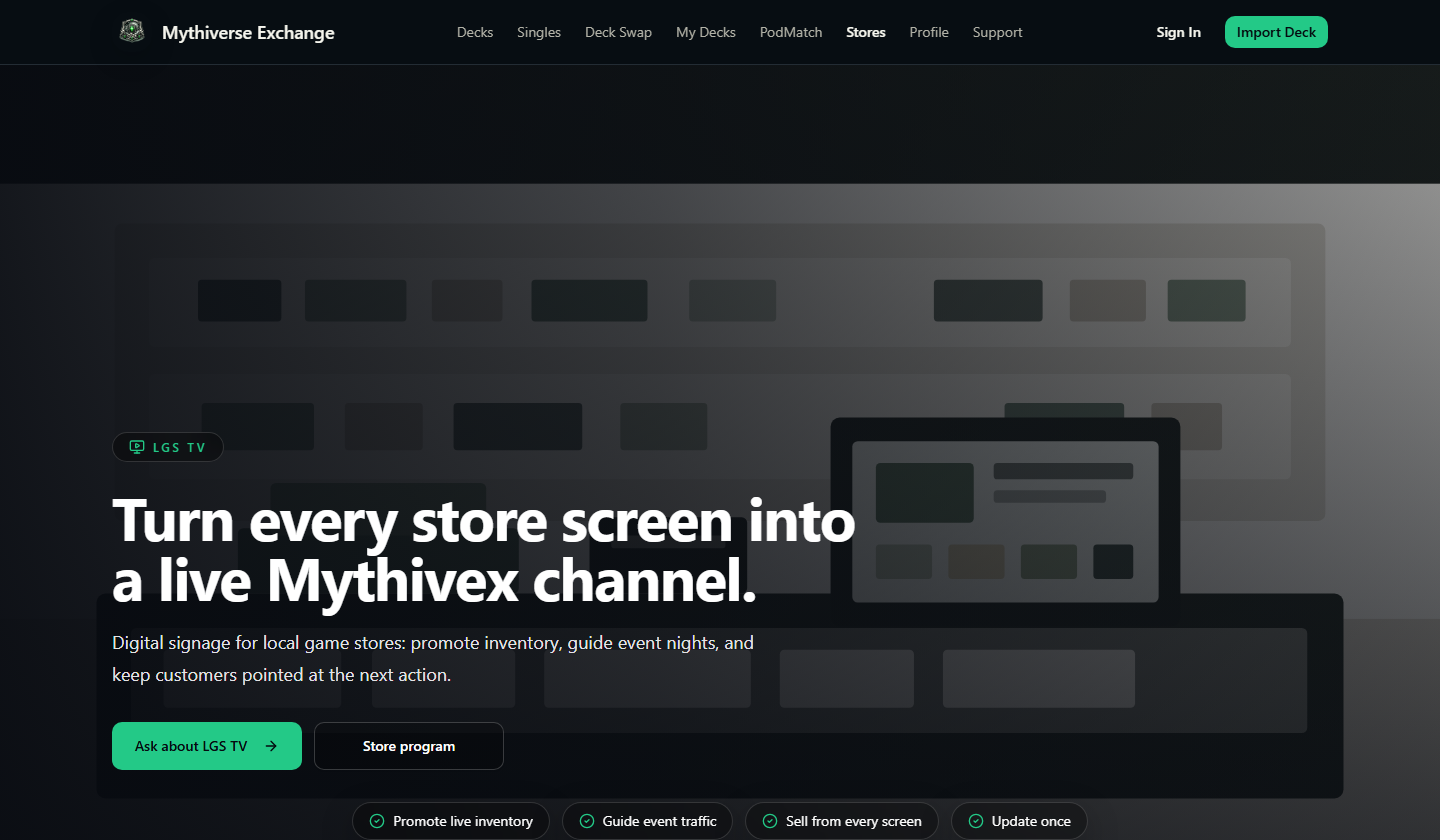
Turn every store screen into a live Mythivex channel.
Digital signage for local game stores: promote inventory, guide event nights, and keep customers pointed at the next action.
Make screens earn their wall space.
Most shops already have TVs. LGS TV turns them into simple, current signage for the things that matter in-store: what is for sale, what is happening tonight, and what players should do next.
Timed to the day
Events before play, promos between rounds, inventory during retail hours.
No design bottleneck
Change the offer without remaking the sign.
Pickup-ready decks
A clean screen moment for products customers can ask about now.
Better use of wall space
Turn passive TVs into useful selling surfaces.
Less staff repetition
Screens answer common event and promo questions.
More action from shoppers
QR calls make listings and pickup offers easier to open.
Sell what is in the shop
Feature pickup-ready inventory at the counter.
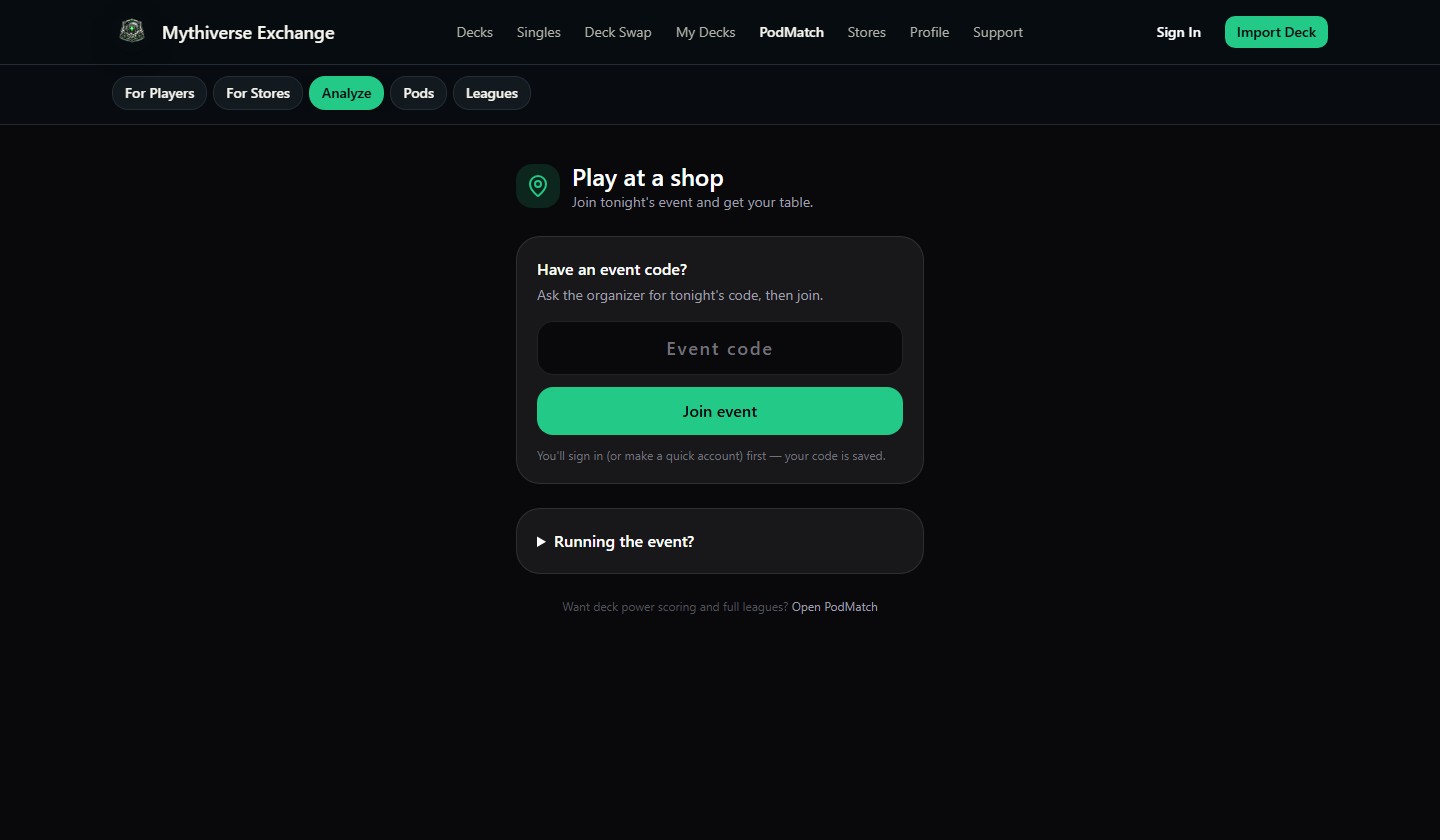
Help event nights run cleaner
Make pairings, timing, and promos easier to see.
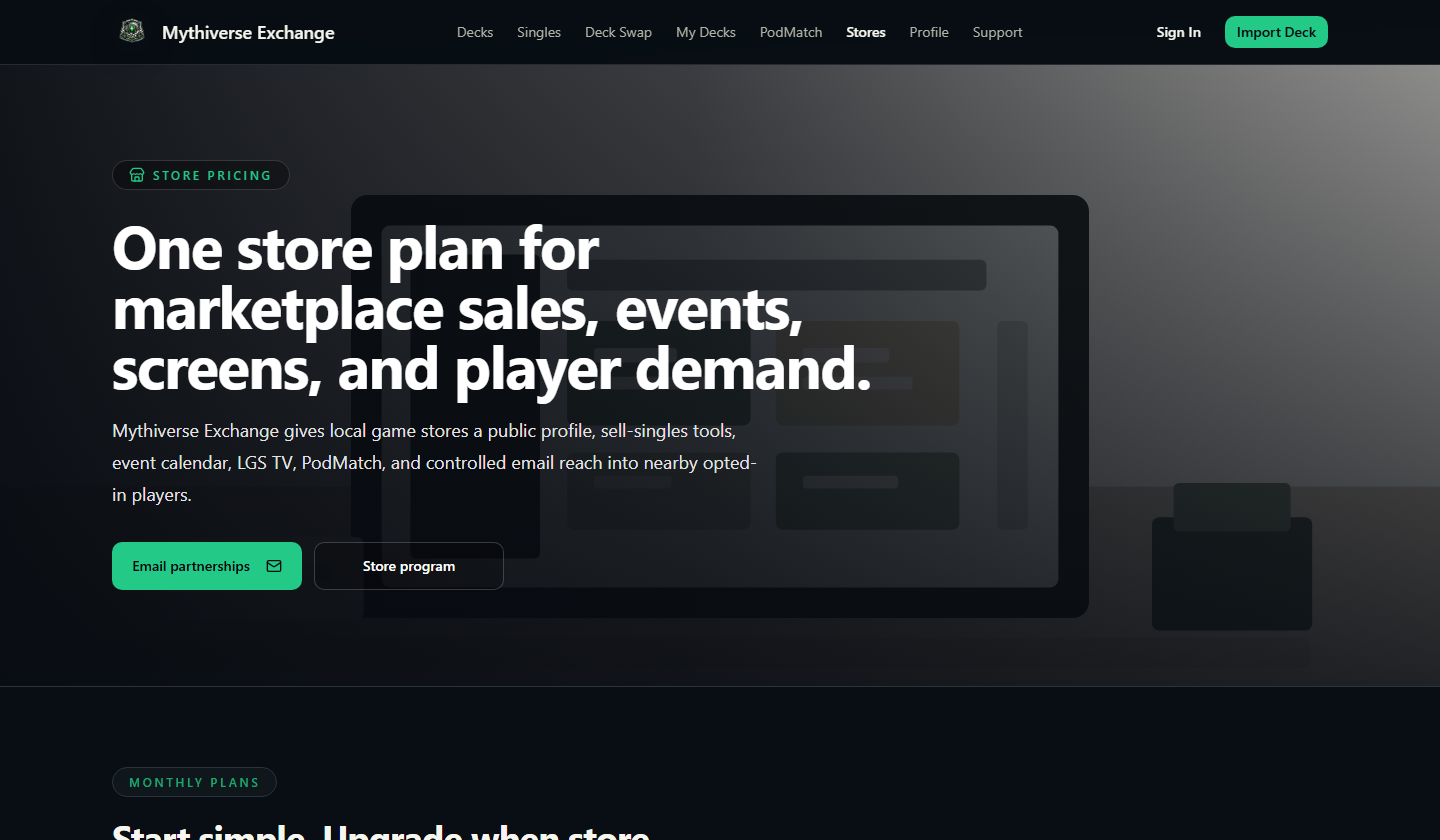
Make the next step obvious
Point shoppers toward listings, pickups, and offers.
Connect the feed
Choose which Mythivex listings, promos, and events can appear on-screen.
Build the rotation
Pick a few blocks: inventory, events, promos, QR calls, or announcements.
Let it run
Use the same channel at the counter, in the play space, and online.
Use your screens to sell more and answer faster.
Tell us how many screens you run and which store moments matter most: inventory, events, promos, pickup, or all of the above.